

Account and notifications
These settings are yours alone. Changing them doesn’t change anything for the rest of your team.
Your email signature
Section titled “Your email signature”Go to Settings, then Account.
-
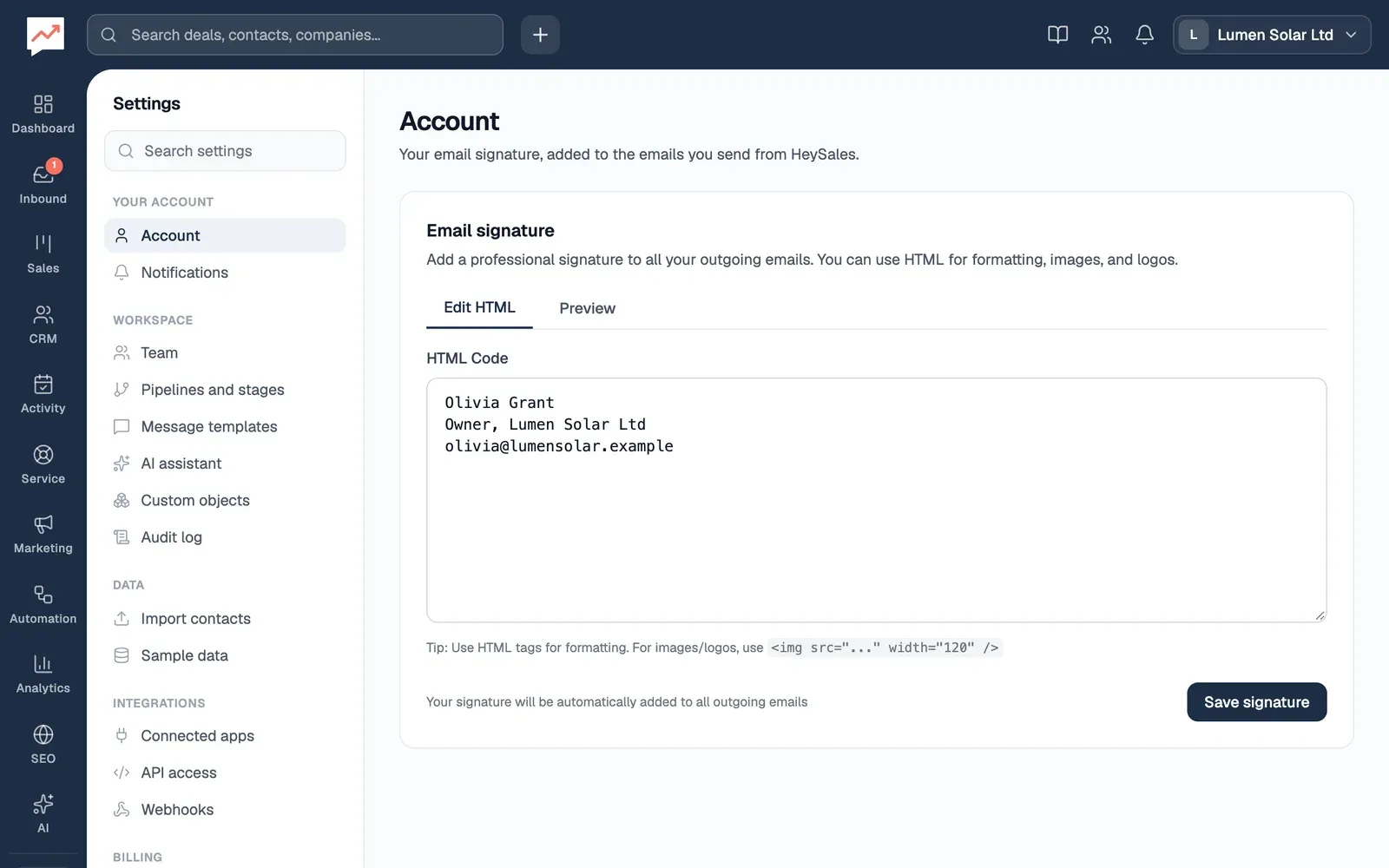
Edit HTML shows the box where you write your signature.
-
Type your signature in HTML Code. Plain text is fine: each new line starts a new line in your emails. If you know HTML, you can use it for formatting or a logo.
-
Preview shows your signature with any HTML formatting applied.
-
Choose Save signature. HeySales says Signature saved.
HeySales adds your signature to the end of the emails you write in HeySales and send through your Gmail: new emails and replies from the inbox, replies to tickets, sequence emails and survey emails. Marketing emails don’t get it. To send email from HeySales, connect Google first.
Change your password
Section titled “Change your password”-
Choose your company’s name at the top of the page, then Sign out.
-
On the sign-in page, choose Forgot password?.
-
Type your Email and choose Send reset link.
-
Open the email called Reset your HeySales password and choose Reset password. The link works once, for an hour.
-
Type a New password of at least 8 characters, type it again in Confirm password, and choose Reset password.
Changing your password signs you out on every device, so sign in again with the new one.
Email notifications
Section titled “Email notifications”Go to Settings, then Notifications.
Under Email Notifications, the Form Submissions switch decides whether HeySales emails you:
- each time someone fills in one of your forms
- each time someone sends a request through your help centre, which becomes a new ticket
It’s on to start with. Your choice saves as soon as you change the switch, and the page says Saved. Everyone in your team has their own switch.
Other emails HeySales sends you
Section titled “Other emails HeySales sends you”These emails don’t have a switch:
- New booking: when someone books a time with you through a booking link, with their details and a link to them in HeySales.
- Workflow emails: when a workflow is set up to email you.
- Password reset: when you ask to reset your password.
Connect Google, so you can send email from HeySales with your signature, or invite your team.